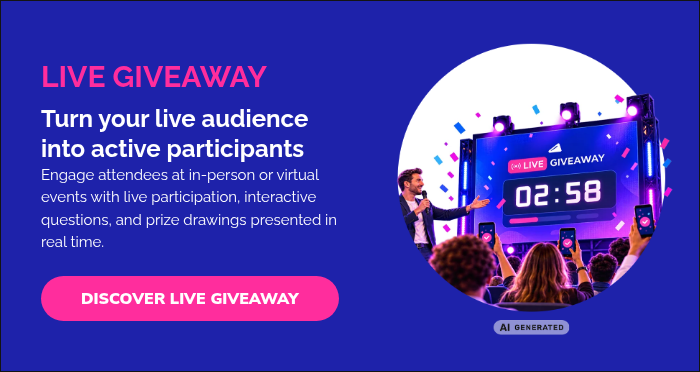
But an event giveaway can be more than simply drawing a name from a list. With a live, interactive format, attendees can join from their phones or computers, answer a quiz or survey, follow the results in real time, and watch the winners revealed live.
In this article, we’ll explore giveaway ideas for events, show how organizations are using live prize drawings to engage both in-person and virtual audiences, and explain how to plan a giveaway that becomes part of the event experience.
Why use a live giveaway to engage event attendees?
Live giveaways work well because they create a clear moment when the audience is invited to stop watching passively and participate.
Depending on the event, you can use a giveaway to:
- Re-engage attention during a long conference, webinar, or presentation
- Encourage participation with a quiz, survey, or simple registration
- Reinforce key messages by asking questions related to the session
- Collect real-time feedback from attendees
- Give sponsors or prizes more visibility during the event
- Create anticipation around a live winner reveal
- Reward attendance and participation with prizes that are relevant to the audience
The strongest giveaways feel like part of the event itself. Rather than simply announcing a winner at the end, the presenter can involve the audience in real time and turn the prize drawing into a shared moment.
How to run a giveaway at an event
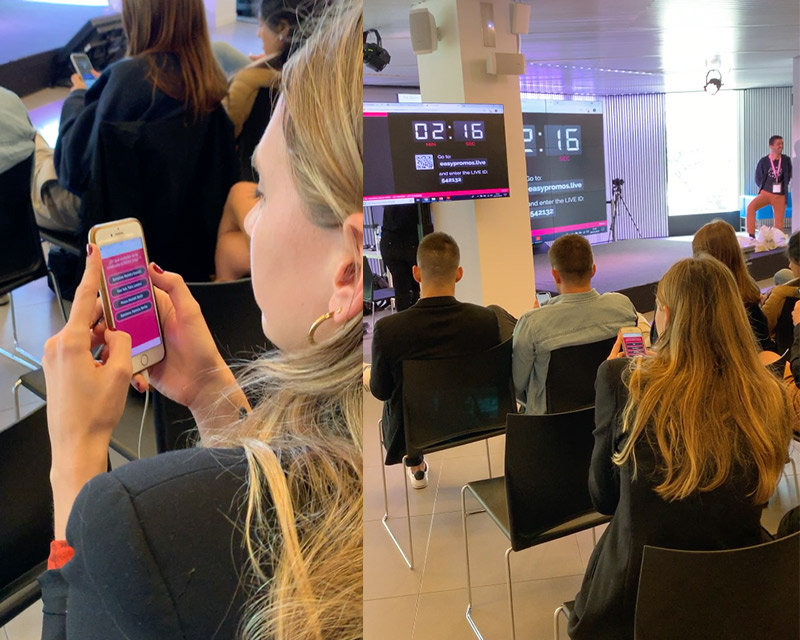
A live event giveaway should be simple for attendees to join and easy for the presenter to manage. With Easypromos Live Giveaway, the entire experience can take place in real time while participants follow along from their phones or computers.
- Display the giveaway on the event screen
Show a QR code and event URL so attendees can join quickly from their own devices.
- Open participation with a countdown
Give attendees a limited amount of time to join. Their names can appear on the main screen as they enter, making participation visible to the whole audience.
- Add a quiz or survey if it fits the event
Use Quiz Mode to test knowledge or Survey Mode to collect opinions and feedback. You can also run the giveaway without questions if you simply want attendees to register for the drawing.
- Review the results live
Once participation closes, display the audience’s responses on screen. In Quiz Mode, participants can also be ranked according to correct answers and response time.
- Reveal the winners
Launch the drawing and announce each prize with a live countdown, music, sound effects, and animated winner reveal.
The presenter can control the different stages from a mobile device, making it possible to manage the giveaway while remaining focused on the audience.
Giveaway ideas for different types of live events
Live Giveaway can be incorporated into conferences, company events, entertainment experiences, webinars, and other live formats. The key is to make the giveaway feel like part of the event rather than a separate activity.
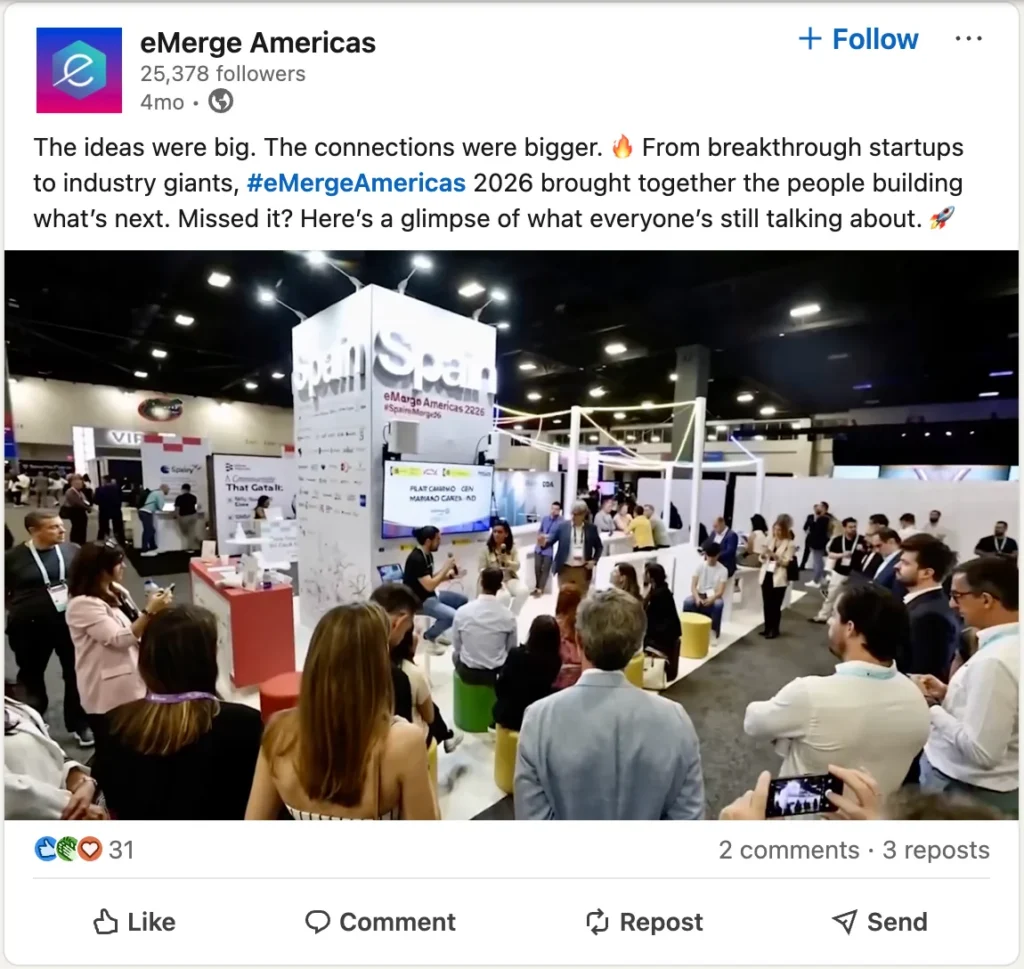
Conference or expo: eMerge Americas
eMerge Americas, a global technology conference and expo in Miami, used Live Giveaway to engage attendees from the Main Stage. One of the prize drawings offered two Delta Premium Select tickets for travel between the United States and Europe.
This kind of giveaway can create a high-energy moment during a conference program while giving a sponsor or featured prize additional visibility.
Engaging attendees with Live Giveaway at SparkCon
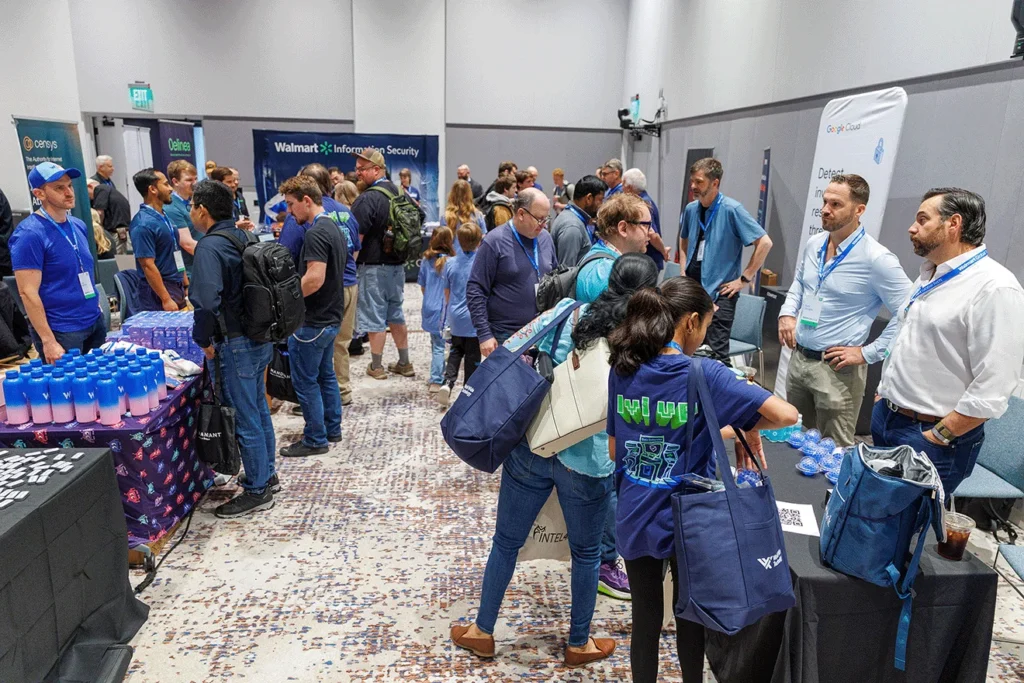
At SparkCon, a technology company used Live Giveaway at its exhibitor booth to capture attendee data and create moments that brought people together around the stand.
Live prize drawings can give attendees an additional reason to stop at a booth, participate from their phones, and stay for the winner reveal. For exhibitors, this turns a giveaway into both an audience activation and an opportunity to collect participant data during the event.
Esports and entertainment event: Blink Respawn
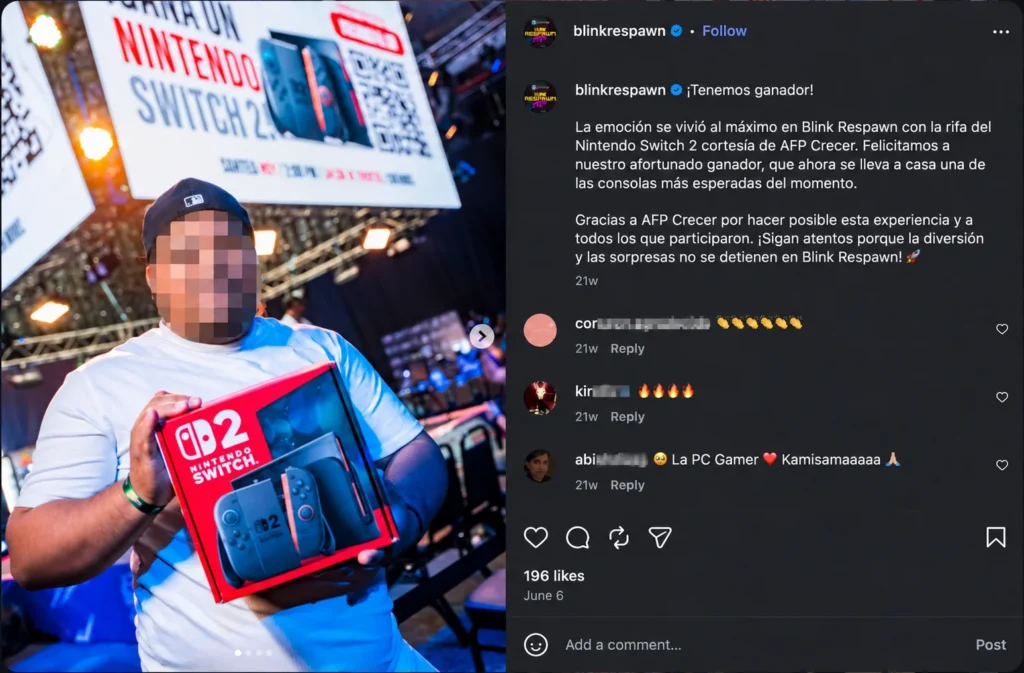
Blink Esports, an esports organization in the Dominican Republic, used Live Giveaway during Blink Respawn, with several prize drawings taking place across different days and locations. The prizes were connected to gaming, technology, and entertainment.
For multi-day events, spreading giveaways across the program can create repeated participation opportunities and give attendees another reason to stay involved.
Whole Assistant: prize drawings during online events
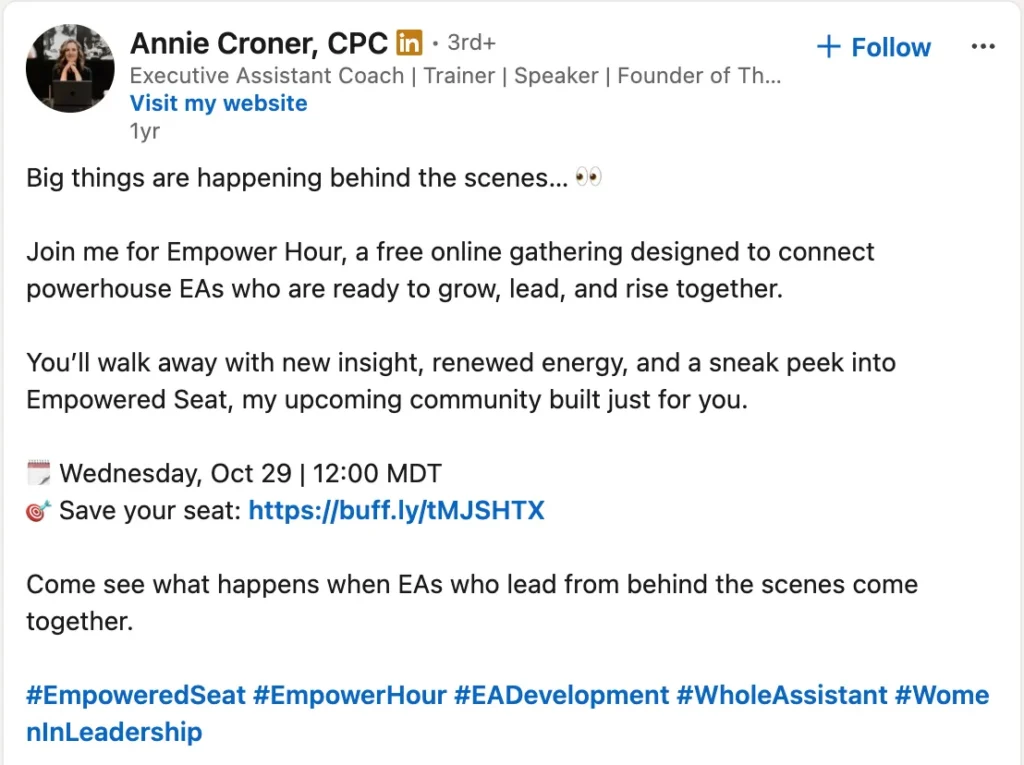
Whole Assistant, a coaching and training business for executive assistants, has used Easypromos Live Giveaway during online events. Prizes varied by event and included a one-year Empowered Seat membership valued at $315.
This is a useful approach for webinar hosts, trainers, and community organizers looking to create a shared live moment for remote attendees. Offering access to your own training, membership, or service can also make the prize especially relevant to the audience.
NVIDIA: live prize drawing during a product launch event
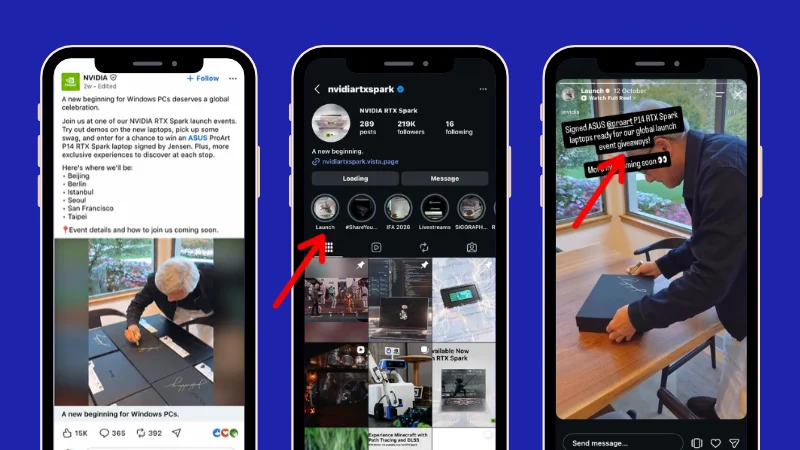
NVIDIA, a global technology company specializing in accelerated computing and AI, used Easypromos Live Giveaway during an internal RTX Spark Launch event held as part of the wider global launch.
The live prize drawing gave attendees an additional moment of participation during the event, with technology prizes awarded in real time.
This shows how brands can incorporate a live giveaway into a product launch or internal activation, creating an interactive moment around the launch itself and keeping attendees engaged throughout the event.
How to prepare a live giveaway for your event
A successful live giveaway depends on more than choosing a prize. The participation flow, timing, technical setup, and winner reveal should all be prepared before the event so the presenter can focus on the audience when it is time to go live.
Choose a prize that fits your audience
The prize should be relevant enough to give attendees a reason to participate. It could be a sponsor product, event-related experience, technology prize, membership, training program, or another reward connected to the interests of your audience.
Decide when the giveaway will take place
Choose a moment when the giveaway can naturally support the event. It might be used to open a session, re-engage attendees after a break, reinforce the content of a presentation, or create a closing moment before the event ends.
Keep participation simple
Make it clear how attendees should join and how long they have to participate. Displaying a QR code and URL on the main screen allows people to access the giveaway directly from their phones or computers.
Decide whether to include a quiz or survey
A giveaway does not have to begin with registration alone. A quiz can reinforce information shared during a presentation or training session, while a survey can collect opinions and feedback from the audience in real time.
Prepare the technical setup
Check the presentation screen, internet connection, audio, browser, and any screen-sharing or streaming setup before the event. The presenter should also be familiar with the controls used to open participation, display results, and launch the winner reveal.
Rehearse the live experience
Run through the giveaway before the event, including the countdown, audience participation, results, and winner reveal. A short rehearsal helps the presenter understand the pacing and reduces the risk of interruptions during the live session.
Event Giveaway FAQs
Display a QR code or event URL so attendees can join from their phones or computers, open participation for a limited time, and then reveal the winners live. You can also add a quiz or survey before the drawing to make the experience more interactive.
Attendees can scan a QR code or open a direct link on their own device. This works for people attending in person as well as remote participants joining a virtual or hybrid event.
Yes. With Easypromos Live Giveaway, you can use Quiz Mode to test knowledge or Survey Mode to collect audience opinions before launching the prize drawing.
Live Giveaway is recommended for events with up to 1,000 attendees. For larger audiences, contact the Easypromos team to discuss the appropriate setup.
Yes. Participants can join from their own devices, which makes Live Giveaway suitable for webinars, online events, live streams, and hybrid events as well as in-person events.
You will typically need a presentation computer, a screen or streaming setup, a reliable internet connection, and audio if you want to use music or sound effects. The presenter can control the giveaway from a mobile device.
Turn Your Next Prize Drawing Into Part of the Event
A giveaway does not have to be a separate activity that happens at the end of an event. When attendees can join from their own devices, participate in real time, and follow the winner reveal live, the prize drawing becomes part of the audience experience itself.
Easypromos Live Giveaway is designed for in-person, virtual, and hybrid events, giving presenters a simple way to combine participation, interaction, and prize distribution in one live experience.